A clinic website that knows your queue, and the software behind it.
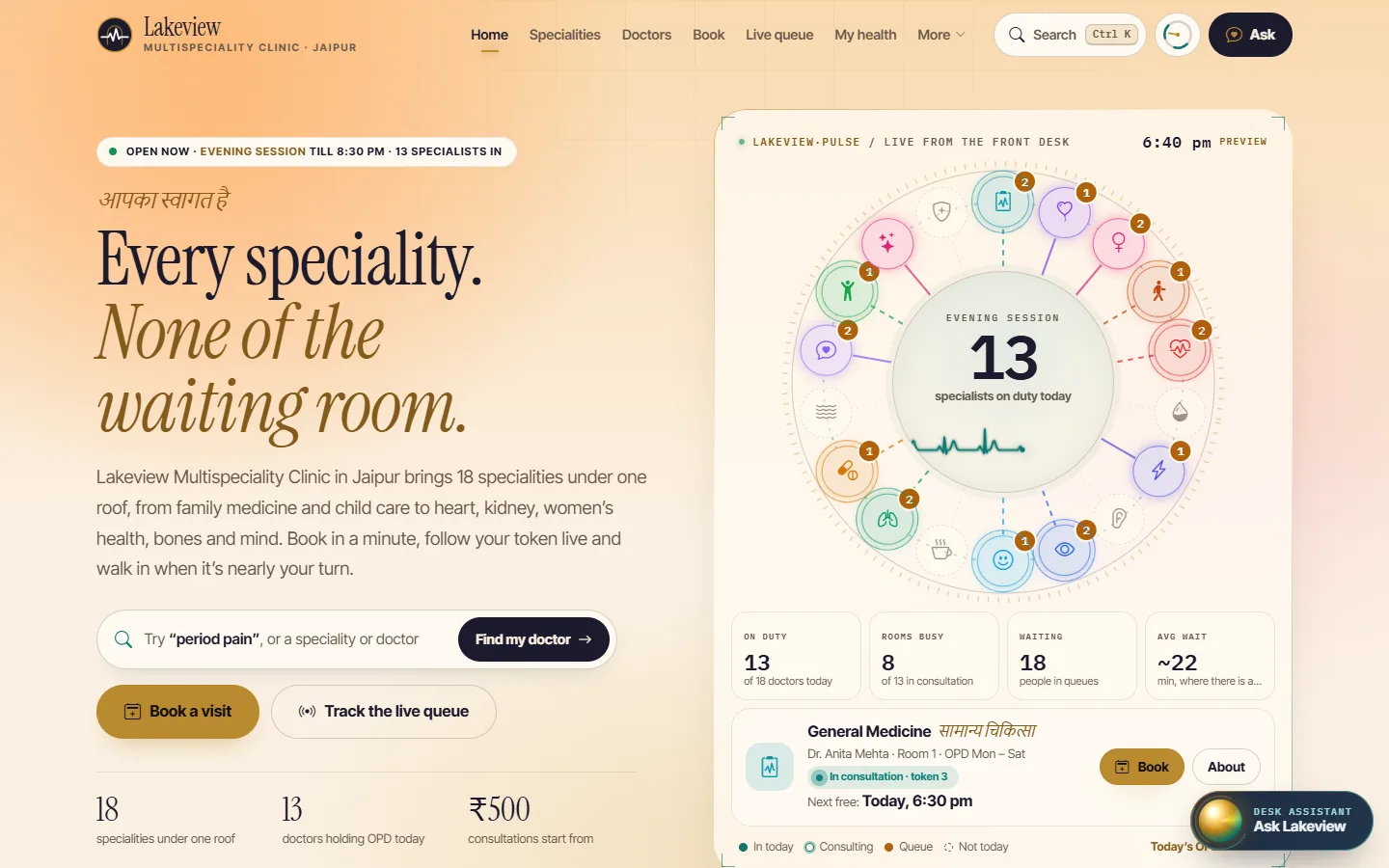
Every speciality, from gynaecology and orthopaedics to cardiology and nephrology, on one futuristic patient website. Patients find the right specialist, book a real slot or a video consult, check in from home, track their token and get their prescription and dose reminders on their phone. Reception runs the day from the CRM: token queue, e-prescriptions, follow-ups that book themselves and UPI billing. One system, two sides.
- 18 specialities with OPD timetables
- Video consults and pre-visit check-in
- Website bookings land in the CRM
- Live token tracking for patients
- WhatsApp-first, made for Indian clinics
Most clinics run on phone calls,
a register and a crowded waiting room.
Six problems patients and clinics run into every day, and what ClinicPro does about each.
Booking means calling.
Reception answers the same “is the doctor free today?” call all day.
The waiting room is packed.
Patients arrive early because they can’t tell when their turn will come.
Patients don’t know whom to see.
They book the wrong doctor or call to ask first.
Prescriptions get lost.
Paper slips go missing and doses are forgotten after a day or two.
Follow-ups are forgotten.
“Come back in five days” is never booked.
Billing is inconsistent.
Fees, free follow-up rules and payment modes depend on who is at the desk.
One website for every speciality you run.
The demo clinic runs 18 specialities with core doctors and visiting consultants. Each one gets its own page, its doctors, OPD days, tests, red-flag guidance and booking only on the days that doctor sits.
Same doctors. A very different day at the clinic.
Two sides of one clinic. Every screen below is live.
Real screens from the demo. Open the website and the CRM side by side: what a patient does on one appears on the other.
From “is the doctor free?” to “see you in a week”.
- Finds the right doctorBody map or assistant, on the website
- Books a real slotAppears in the CRM slot grid, marked online
- Tracks the tokenLeaves home on time; checks in on arrival
- ConsultationTemplate prescription with allergy check in the CRM
- Prescription on the phoneDose Clock and reminders in “My health”
- Follow-up bookedFree within 7 days, by the clinic’s rule
A website and a clinic system. Twenty-three pieces.
Patient website
Clinic CRM
Type your clinic’s name. Watch the demo become yours.
The patient website rebrands instantly with your clinic’s name, city and colour.
Live in about four to six weeks
Keep your domain. We set it up with your doctors, sessions, fees and prescription templates.
Doctors, specialities, sessions, slot length, fees, follow-up rules and prescription templates.
Your name, colours, photos, services and packages, with the body map tuned to your specialities.
Reception and doctor logins, WhatsApp messages from your number, UPI details and receipts.
Go live on your domain, put the Now Serving display on the waiting-room TV and share the booking link.
Questions clinics ask us
Do online bookings really reach the clinic software?
Yes. In the demo the website and the CRM share the same data in your browser: book on the website and the appointment appears in the reception’s slot grid, marked as booked online. On your clinic’s live system both use one central database.
Does the website give medical advice?
No. The body map and the assistant only suggest which doctor to see and always show emergency guidance for red-flag symptoms. Diagnosis and treatment stay with your doctors.
Is the assistant AI?
In the demo the assistant is rule-based and runs in the browser: it answers timings, fees, free slots and queue questions in English and Hinglish, and nothing is sent anywhere. For your clinic we tune it to your doctors and services and can add an AI model if you want freer conversation.
Is patient data safe?
The demo keeps everything in your own browser. A live clinic system adds OTP login for patients, staff logins with roles, encrypted hosting in India and regular backups, scoped with you during rollout.
Can we use only the CRM, or only the website?
Yes. Many clinics start with the CRM at reception and add the website later, or the other way round. They are built to work together but each works on its own.
Does it work for a single doctor?
Yes. It suits single-doctor clinics, polyclinics and multi-speciality centres. The demo shows a multi-speciality clinic with 18 doctors across 18 specialities; your setup can have one doctor or many.
Can patients consult a doctor by video?
Yes. Patients book a video slot like any other appointment, check their camera and mic, wait in a lobby and join the call; the prescription then appears in My health. The demo simulates the call. For your clinic we connect a video service during rollout.
How much does it cost?
It depends on the number of doctors, the features you need and any integrations. Tell us about your clinic and we’ll send a clear quote after a free consultation.
Looking only for the reception software? See the ClinicPro CRM in detail
Give patients their time back, and reception its calm.
See ClinicPro with your clinic’s name on it. A 20-minute call is all it takes.
Or open the live demo first